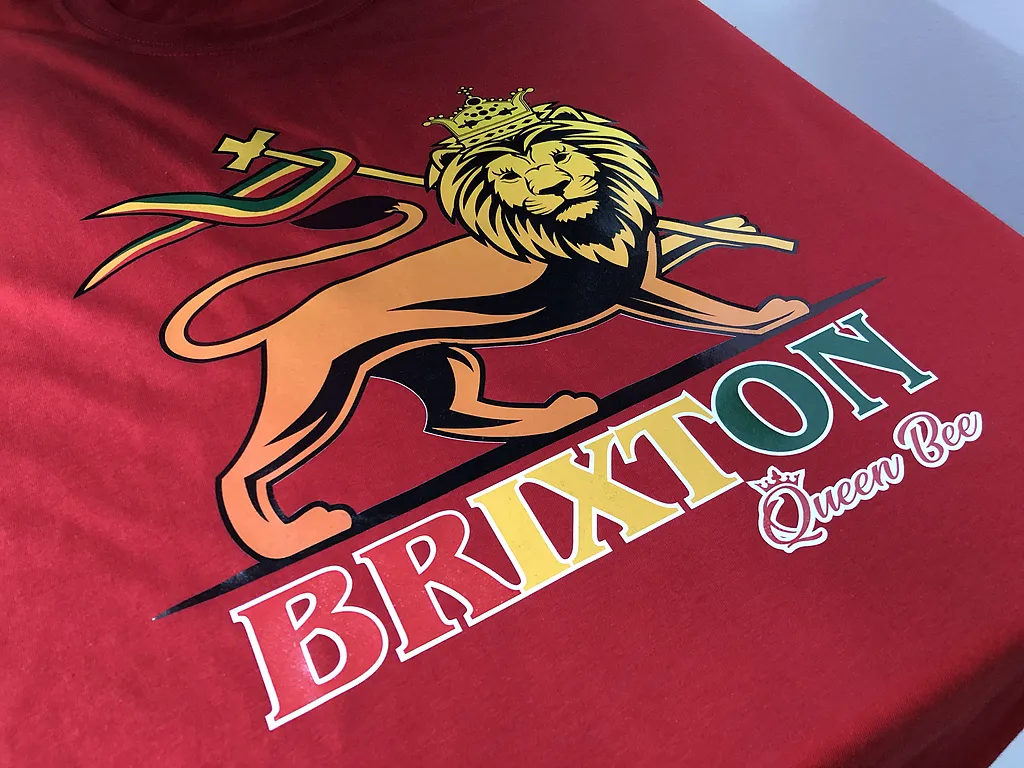
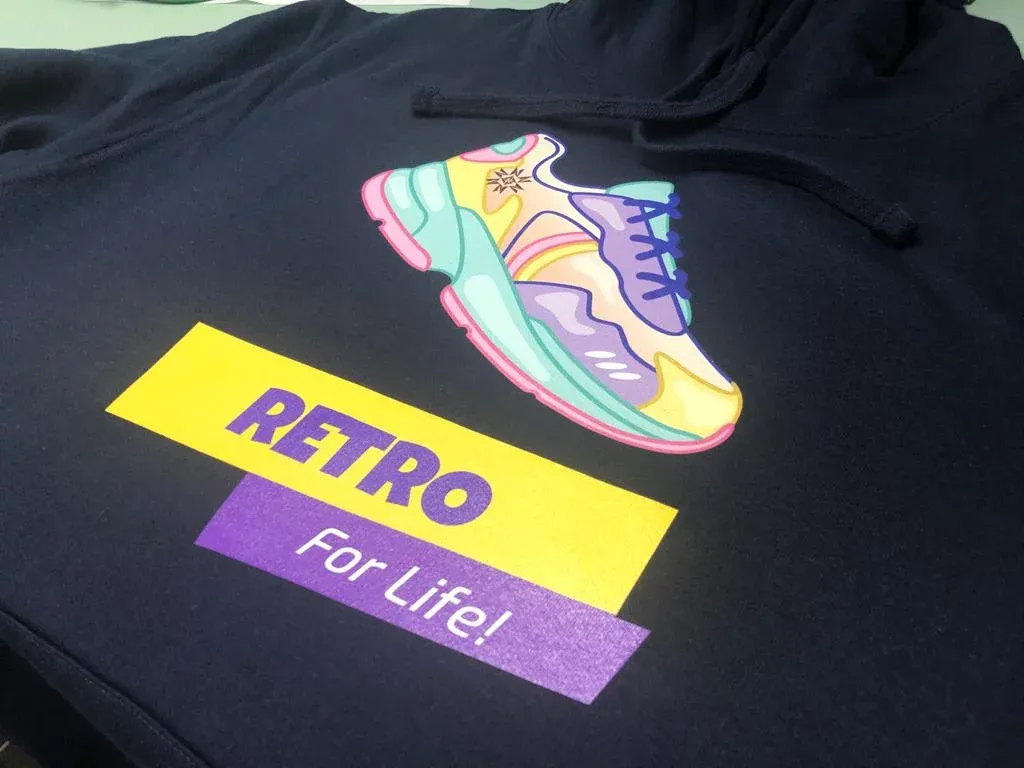
FULL COLOUR TRANSFER
Full Colour Transfer printing is great for bold, vibrant, full-color designs, the artwork digitally printed using CMYK Solvent or Eco Friendly waterbased ink
FULL COLOUR (DIGITAL) TRANSFER
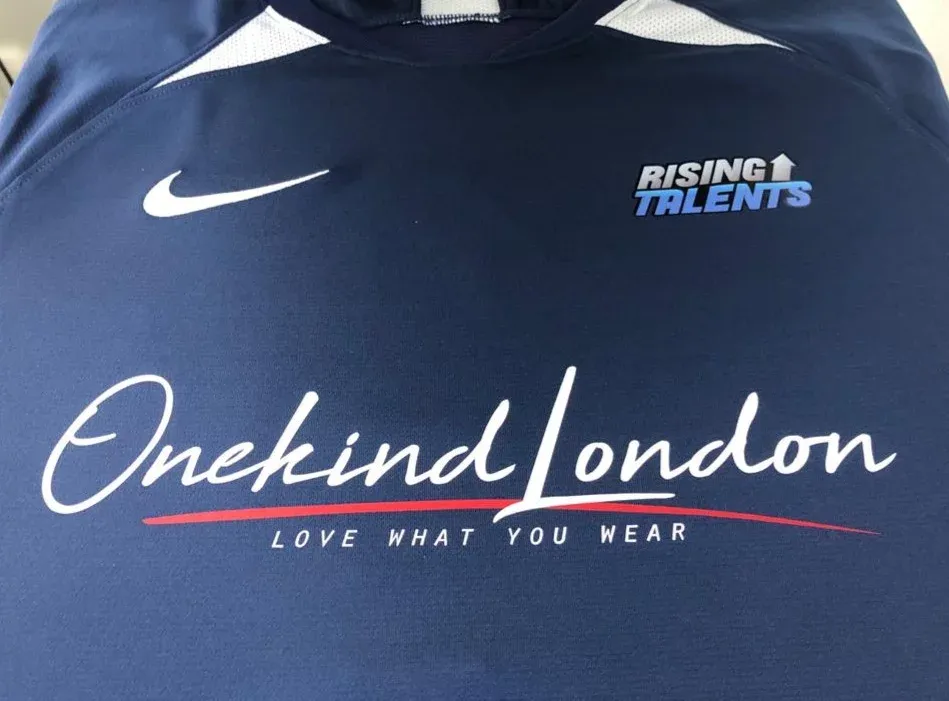
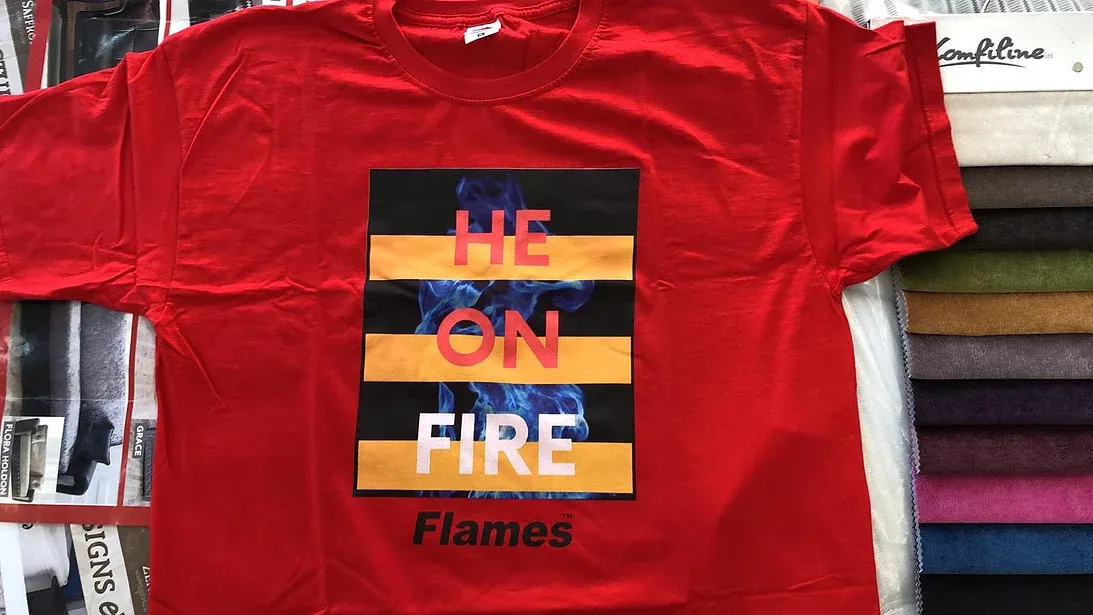
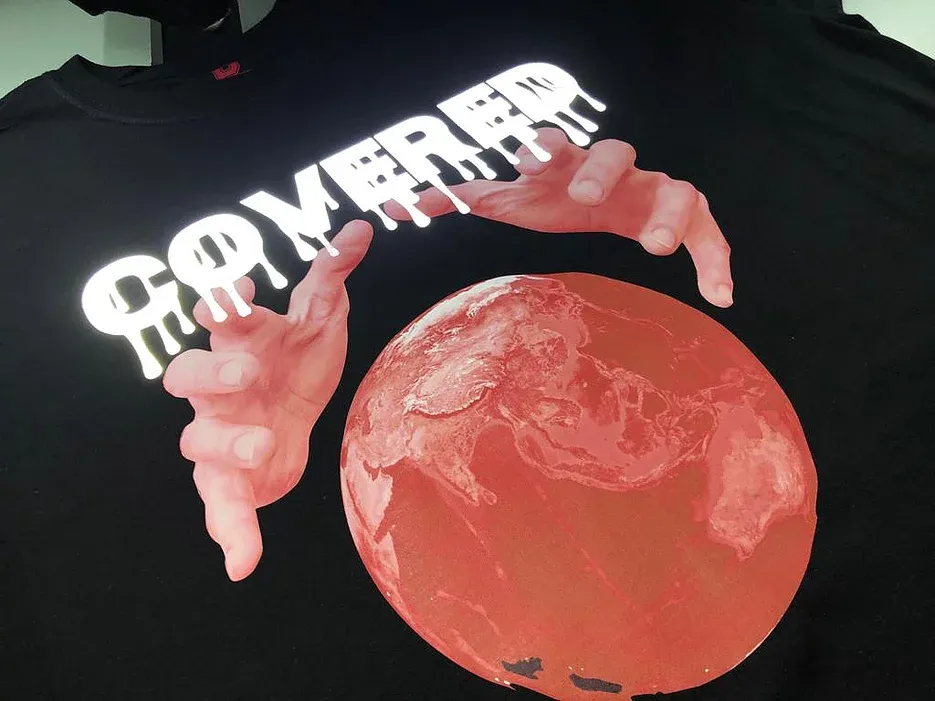
Digital Transfer printing is great for bold, vibrant, full-color designs, the artwork digitally printed using CMYK Solvent or eco friendly waterbased ink, Full-colour transfer printing is the process of printing designs onto high quality white or clear transfer which is then heat-sealed onto your chosen garments.
It can be used to print onto a variety of different garments including t-shirts, tote bags, Hoodie, accessories and more. This transfer suitable for Cotton, Cotton Blend, Polyester, Poly blend, Lycra, Viscose & Fleece. It does not matter if you are printing on your favorite cotton t-shirt or stretchy fabrics used to make comfortable athleisure wear, these beautiful heat transfers are the perfect fit for most textiles. Transfers are made with water-based ink formula which provides great wash ability, breath ability, and a soft hand feel.
This printing is long-lasting and durable but it should not be washed over 40 degrees or directly ironed on. To touch it feels a little like plastic but is light and soft.
Turnaround time for the production of the Digital transfers is typically 2-3 working days with a couple of extra days added for application. The best result with this process if your design is sent in CMYK 600 DPI.

DIGITAL TRANSFER PRINT STEPS
STEP 1
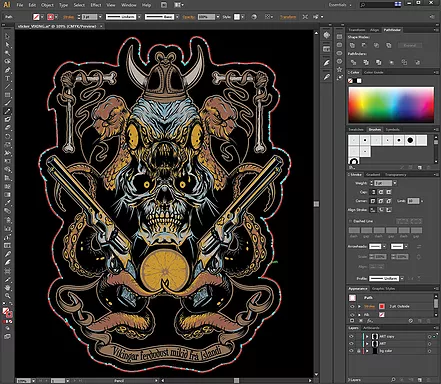
In this method, RGB automatic convert in CMYK, To Get the right print all colors must be CMYK and all shapes, designs or fonts must be turned into vectors. shapes or outlines. Otherwise, it won't work in Digital Transfer Print.
STEP 2
Once the design is ready for print & cut, it's time to load the Printable transfer sheet to Roland Print & Cut machine, The Design getting printed on transfer sheet & cut artwork on selected cut line.
STEP 3
‘Weeding’ is completely manual process which takes majority time in this printing process. After completion of weeding applied Application tape to transfer the design on garment
STEP 4
Digital Transfer is ready to position on garments to make sure it's according to requirement. Pressed garment to high temperature so the pressure and the heat make the Transfer ‘stick.'
ARTWORK GUIDELINES
For your design to meet the requirements of Digital Transfer your artwork will need to be in vector format and convert all paths to strokes. Create cutline around Artwork & Convert font to outlines.
- Ensure artwork is at least 100% of the intended print area.
- Provide PANTONE PMS colors (if you know them).
- Avoid gradients and shadows as this is only possible using DTG (Direct to garment) Printing
- Check Line Weight. Make sure free-floating lines are 1pt (0.35 mm) minimum.
Colors:
CMYK (300dpi)
Artwork Types:
Vector
Pantone color matching: Yes
File Formats: .ai, .cdr, .eps, .svg, .vector
If you have design but don't have right file formats and not sure which printing technique is suitable for your design or project?
- 020 8004 0471
- info@theprintandembroidery.co.uk